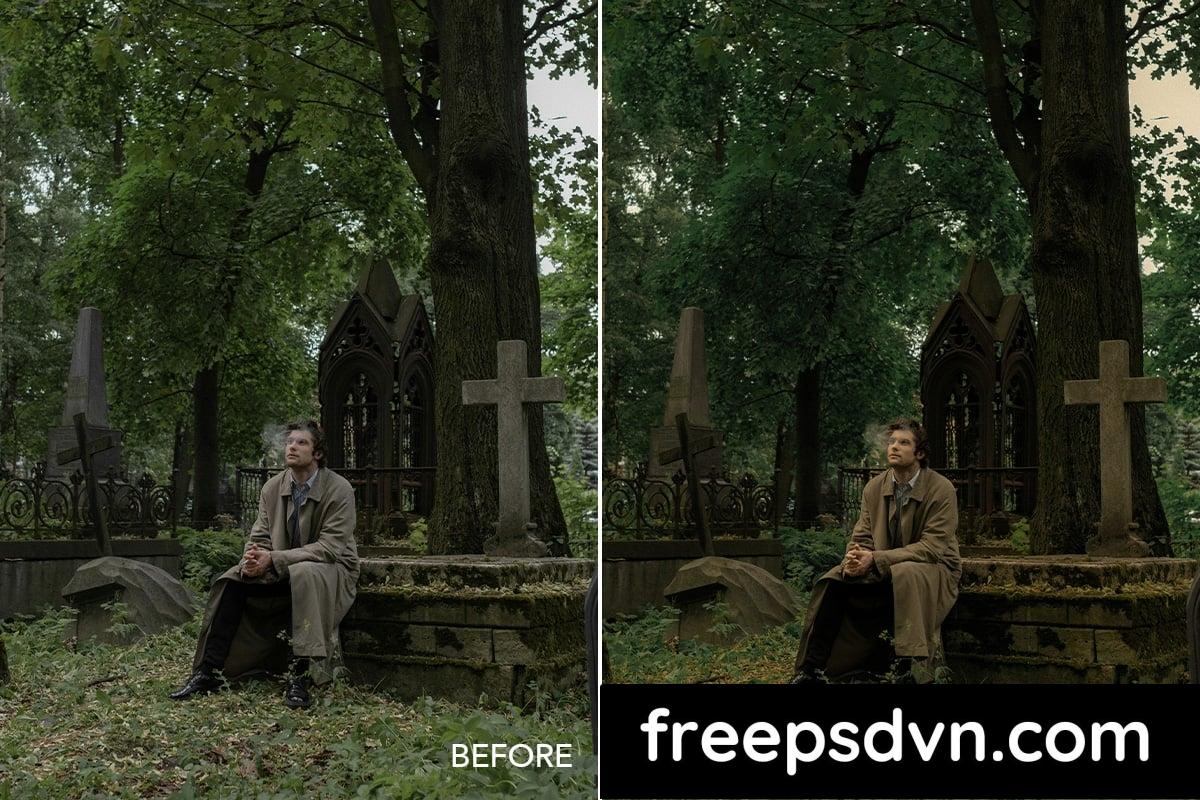
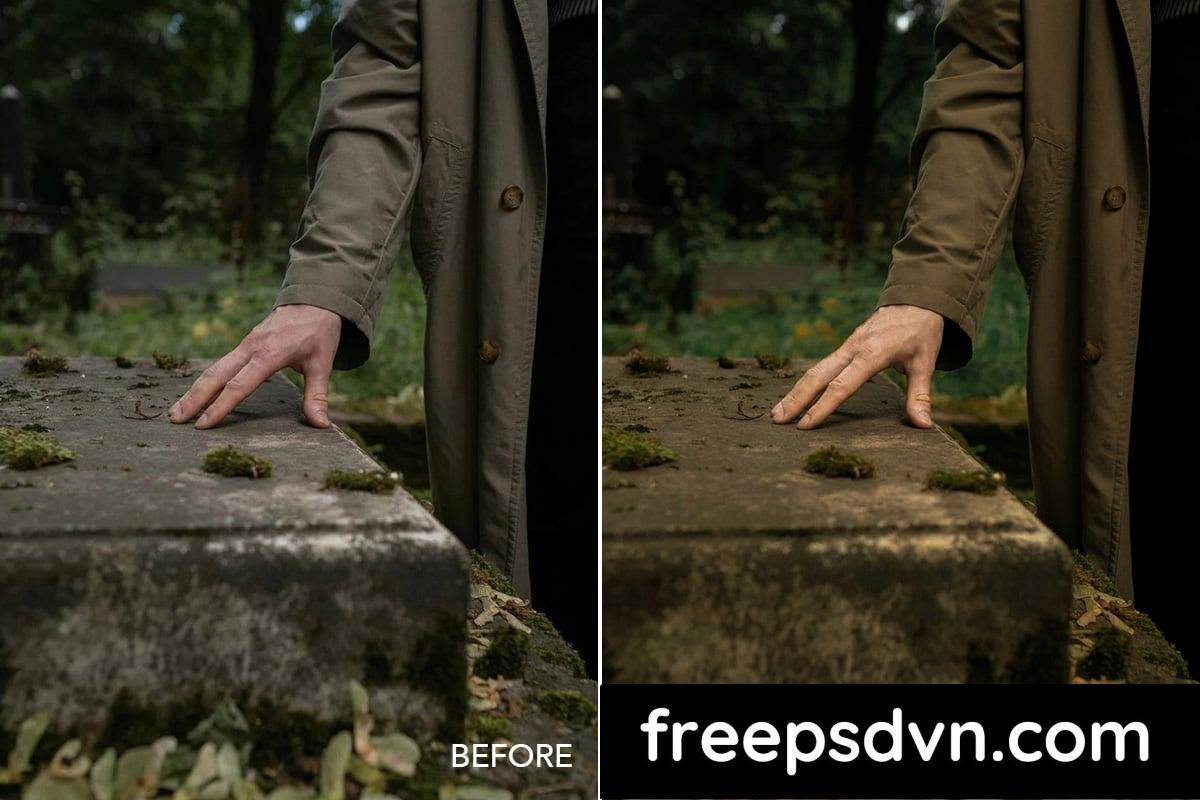
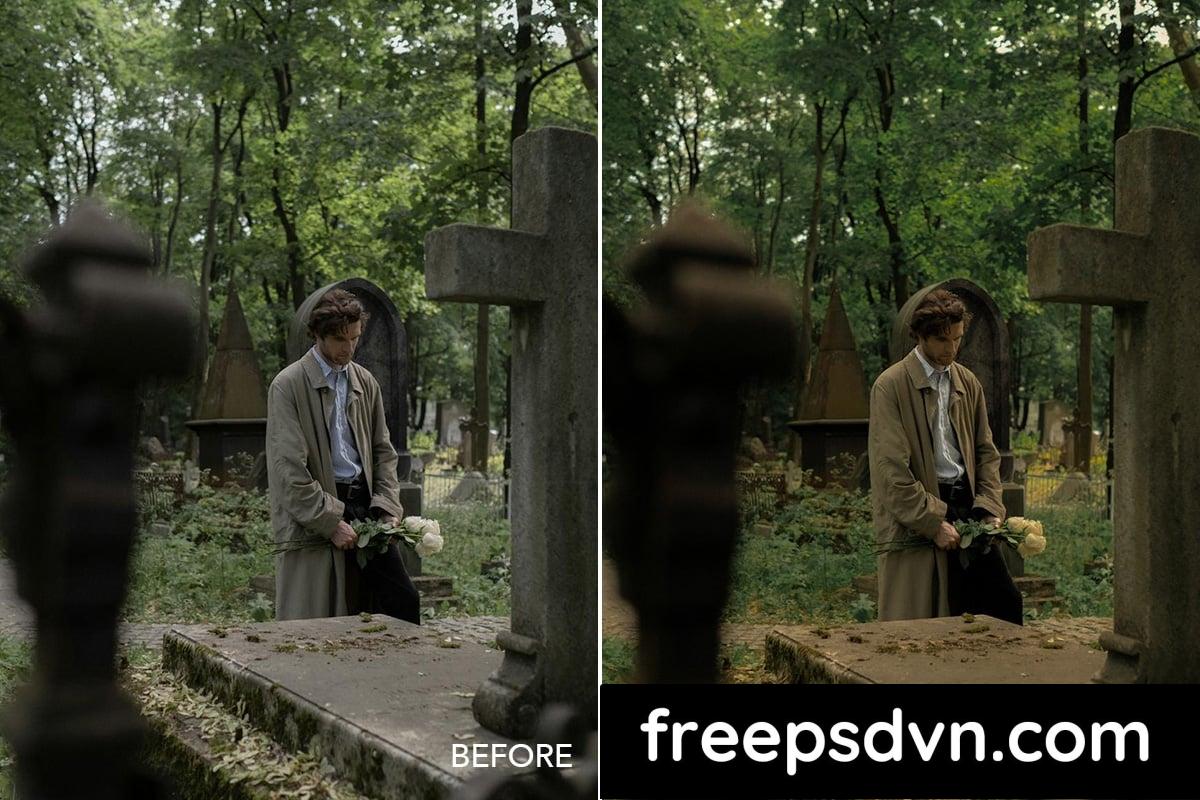
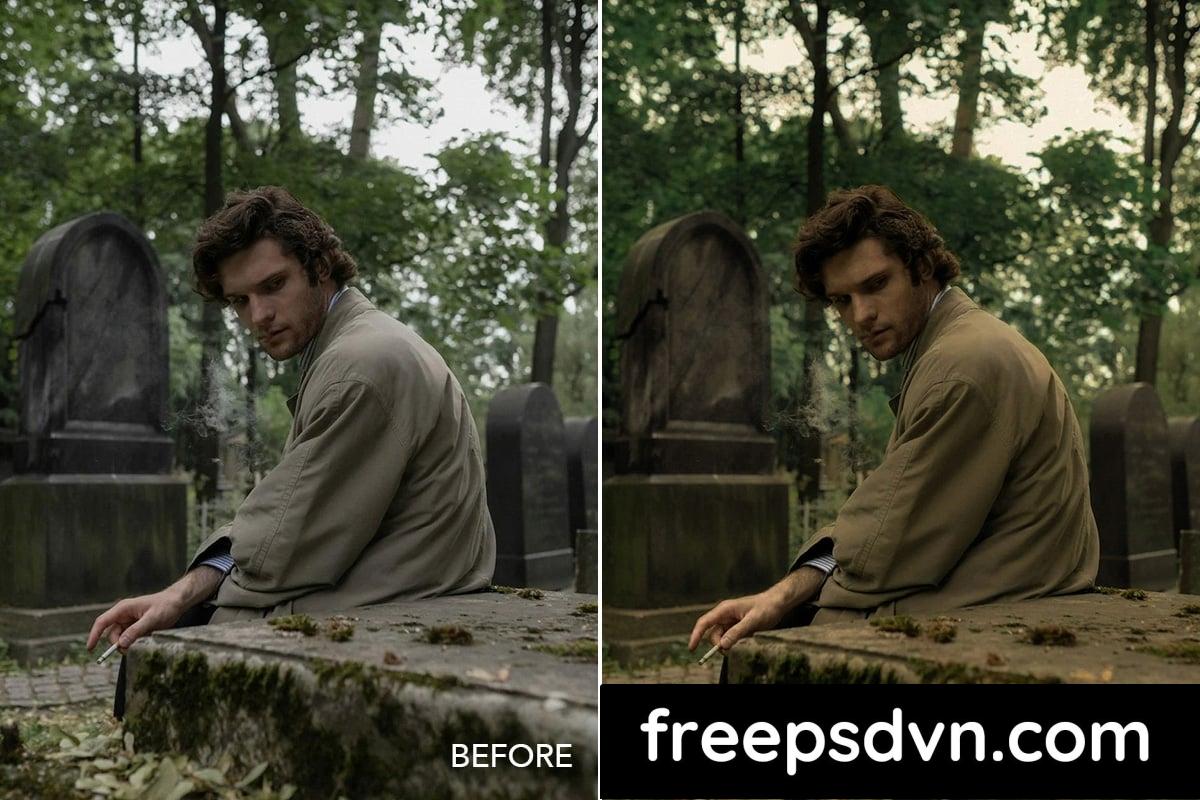
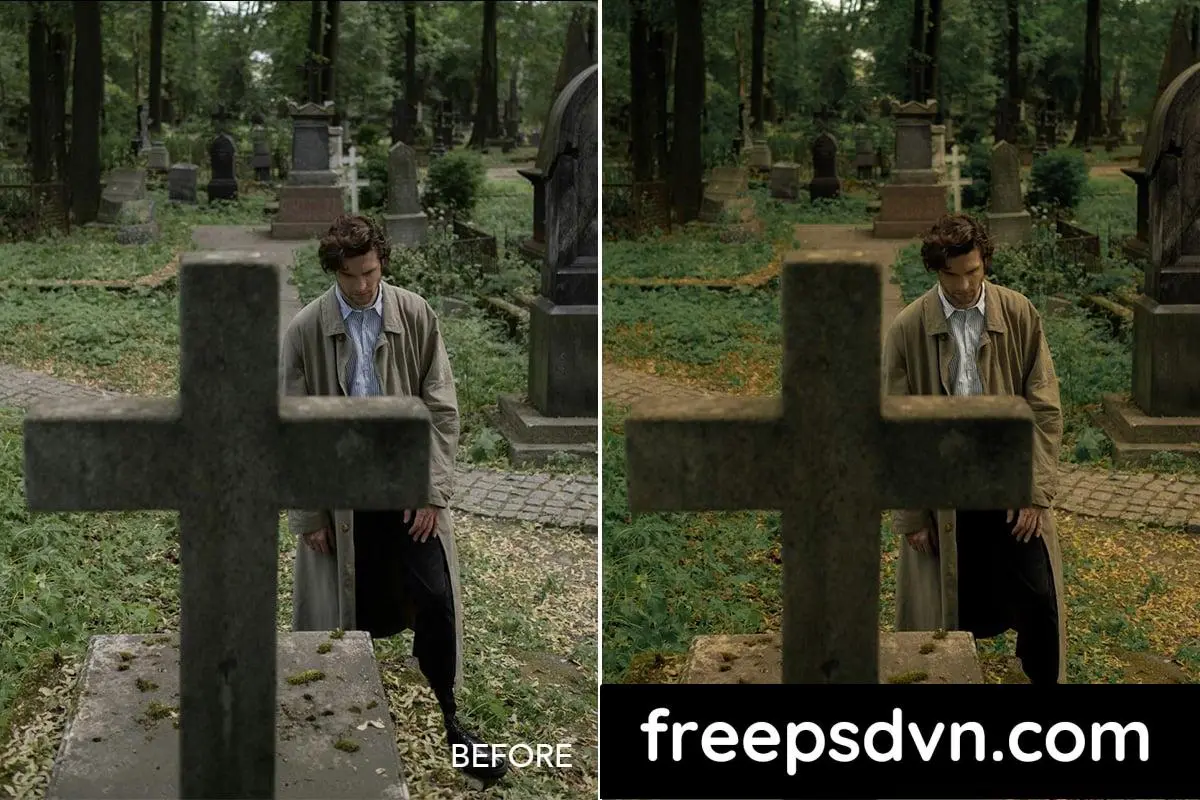
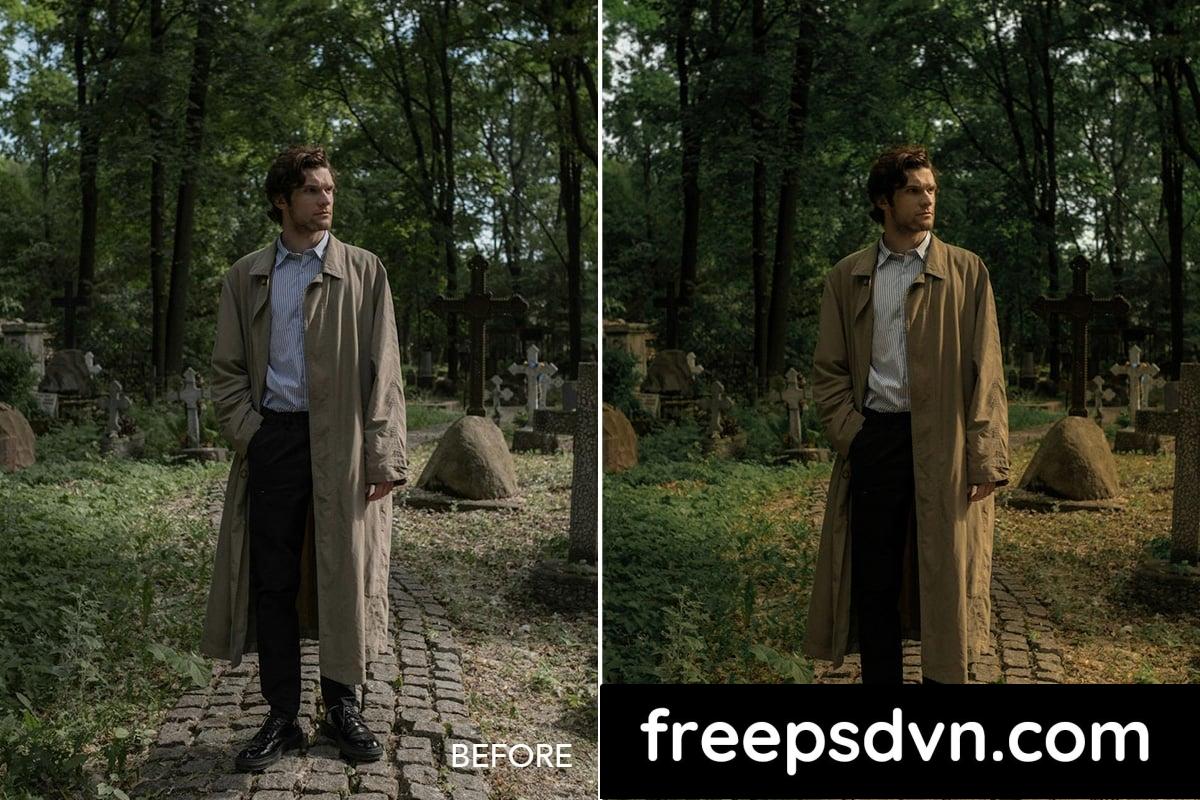
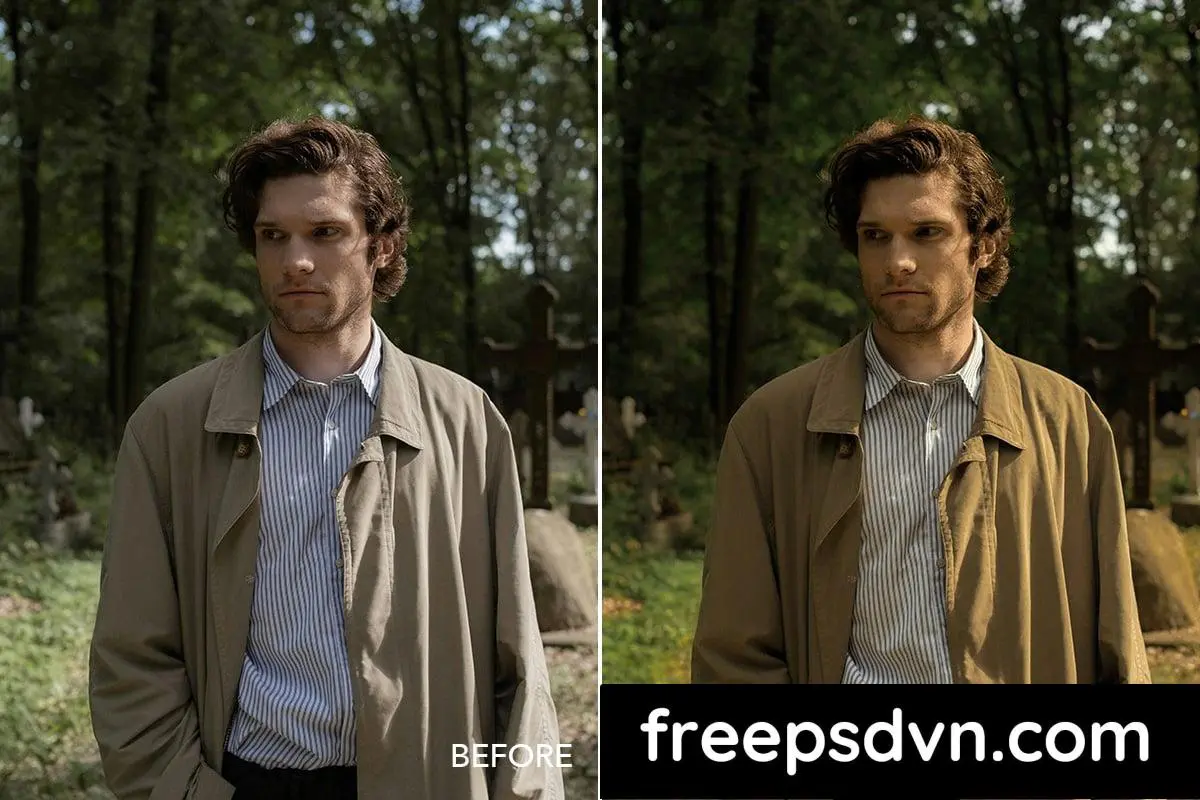
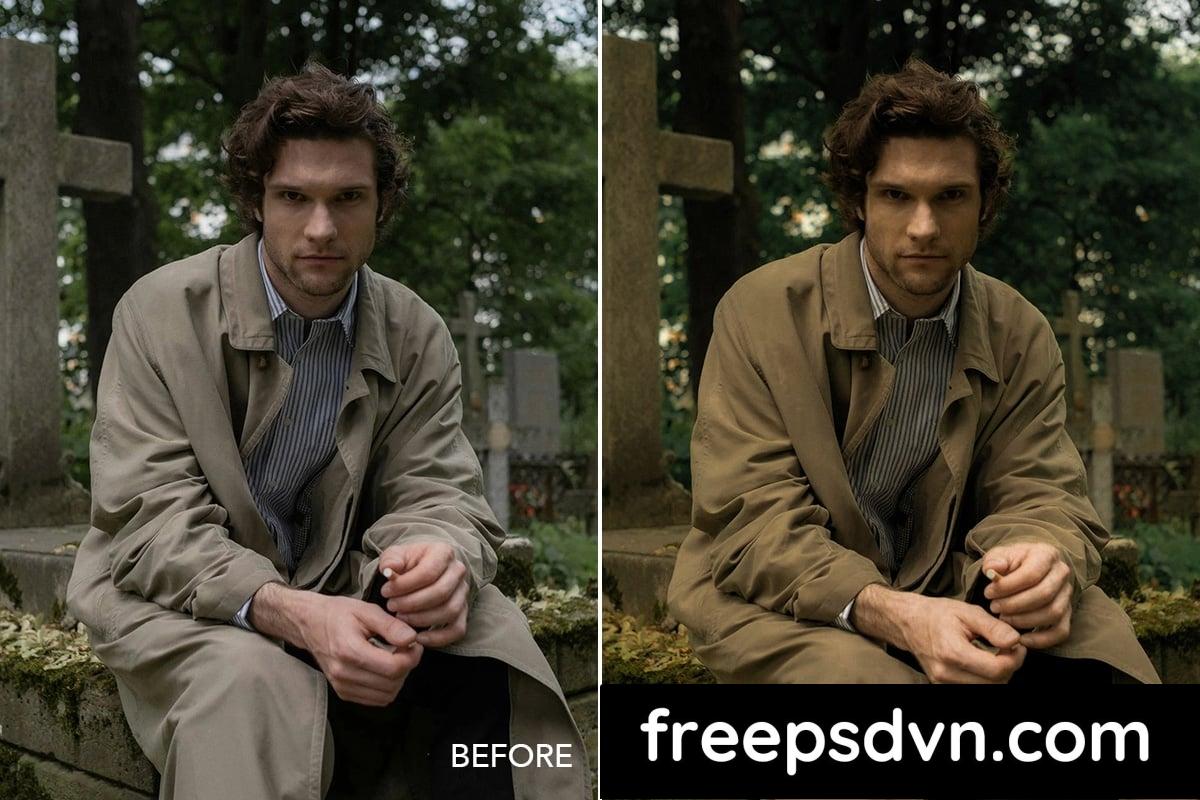
Twilight Cinema brings a captivating visual mood with a blend of soft cinematic tones. This preset features a unique combination of soft yellow and deep green, creating a mysterious and immersive atmosphere. Perfect for photos taken in locations like graveyards and forests, it gives your shots a true ‘filmic’ feel, as if each capture is a scene from a movie. With Twilight Cinema, transform your images into works of art with a strong, dramatic cinematic vibe.
Files Included:
- .DNG Files
- Help File.pdf
- Readme.txt
.u417c5542fd50889ce6dfda6212ef9620 { padding:0px; margin: 0; padding-top:1em!important; padding-bottom:1em!important; width:100%; display: block; font-weight:bold; background-color:#eaeaea; border:0!important; border-left:4px solid #3498DB!important; box-shadow: 0 1px 2px rgba(0, 0, 0, 0.17); -moz-box-shadow: 0 1px 2px rgba(0, 0, 0, 0.17); -o-box-shadow: 0 1px 2px rgba(0, 0, 0, 0.17); -webkit-box-shadow: 0 1px 2px rgba(0, 0, 0, 0.17); text-decoration:none; } .u417c5542fd50889ce6dfda6212ef9620:active, .u417c5542fd50889ce6dfda6212ef9620:hover { opacity: 1; transition: opacity 250ms; webkit-transition: opacity 250ms; text-decoration:none; } .u417c5542fd50889ce6dfda6212ef9620 { transition: background-color 250ms; webkit-transition: background-color 250ms; opacity: 1; transition: opacity 250ms; webkit-transition: opacity 250ms; } .u417c5542fd50889ce6dfda6212ef9620 .ctaText { font-weight:bold; color:#464646; text-decoration:none; font-size: 16px; } .u417c5542fd50889ce6dfda6212ef9620 .postTitle { color:#C0392B; text-decoration: underline!important; font-size: 16px; } .u417c5542fd50889ce6dfda6212ef9620:hover .postTitle { text-decoration: underline!important; }Suggested: Moody Metal Presets Mobile and Desktop Lightroom 26319679
 addOnsFileTypes: DNG
addOnsApplicationsSupported: Adobe Lightroom
Additions: hasDocumentation,
While presets can work wonders on your photos, don’t forget that each image is unique. Feel free to experiment with different presets and adjustments to find the perfect look for your photos. Remember, practice makes perfect!
So, if you’re ready to elevate your photos and give them that cinematic touch, give the Twilight Cinema preset a try. Your images will thank you! 📷✨
Download from FreePSDvn’s Server
Download the Zip File: Simply click on the provided direct download link. Your browser will typically recognize that it’s a direct link to a file.
.u82d315612c8ee216457f877d68253af9 { padding:0px; margin: 0; padding-top:1em!important; padding-bottom:1em!important; width:100%; display: block; font-weight:bold; background-color:#eaeaea; border:0!important; border-left:4px solid #3498DB!important; box-shadow: 0 1px 2px rgba(0, 0, 0, 0.17); -moz-box-shadow: 0 1px 2px rgba(0, 0, 0, 0.17); -o-box-shadow: 0 1px 2px rgba(0, 0, 0, 0.17); -webkit-box-shadow: 0 1px 2px rgba(0, 0, 0, 0.17); text-decoration:none; } .u82d315612c8ee216457f877d68253af9:active, .u82d315612c8ee216457f877d68253af9:hover { opacity: 1; transition: opacity 250ms; webkit-transition: opacity 250ms; text-decoration:none; } .u82d315612c8ee216457f877d68253af9 { transition: background-color 250ms; webkit-transition: background-color 250ms; opacity: 1; transition: opacity 250ms; webkit-transition: opacity 250ms; } .u82d315612c8ee216457f877d68253af9 .ctaText { font-weight:bold; color:#464646; text-decoration:none; font-size: 16px; } .u82d315612c8ee216457f877d68253af9 .postTitle { color:#C0392B; text-decoration: underline!important; font-size: 16px; } .u82d315612c8ee216457f877d68253af9:hover .postTitle { text-decoration: underline!important; }Suggested: 30 Orange & Teal Lightroom Presets 3075143
Extract the Files: Right-click on the zip file and select an option like “Extract” or “Extract Here” from the context menu. Alternatively, you can use file archiving software like WinZip, 7-Zip, or macOS’s built-in Archive Utility.


 addOnsFileTypes: DNG